

Admin Step 4: Make Edits & Save
Add or edit an email address
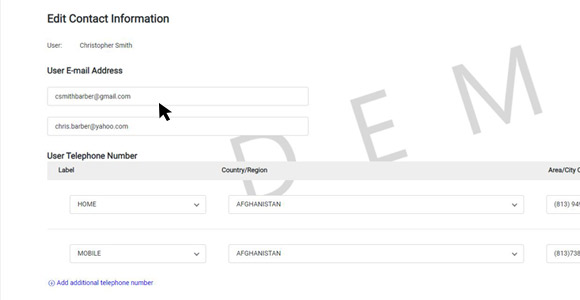
Under User Email Address, you can add or edit the primary and secondary email address by clicking into the input field.
Add a phone number
Under User Telephone Number, click the blue text to add an additional telephone number.
Click Save when edits are completed.
Remove a phone number
Under User Telephone Number, click the X icon next to the extension input field.
Click Save when edits are completed.